 EveryCutFile
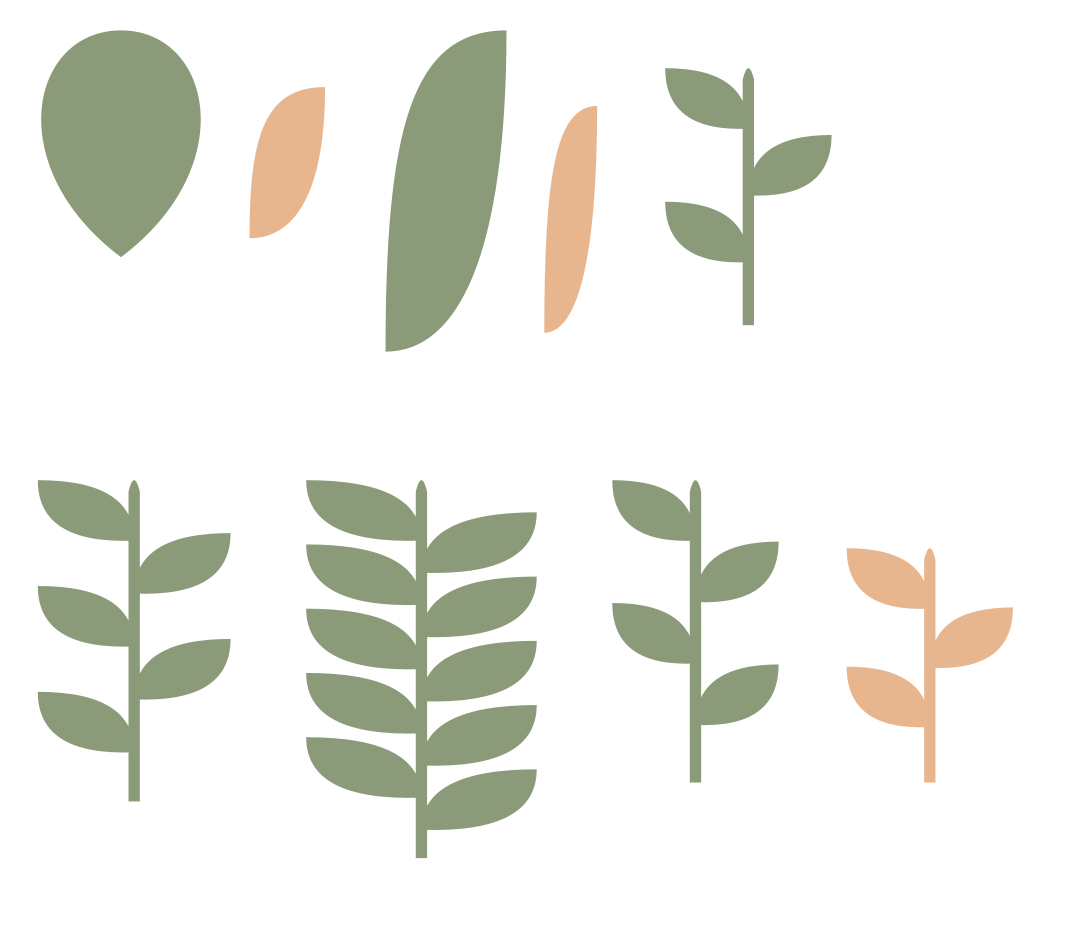
Rounded leaf
78 × 60 mm (3⅛ × 2⅜ in)
Broad rounded solid leaf. Separate 20 × 40 mm optional inset; align at the base center.
Original simplified leaf and sprig silhouettes in solid and two-layer versions.
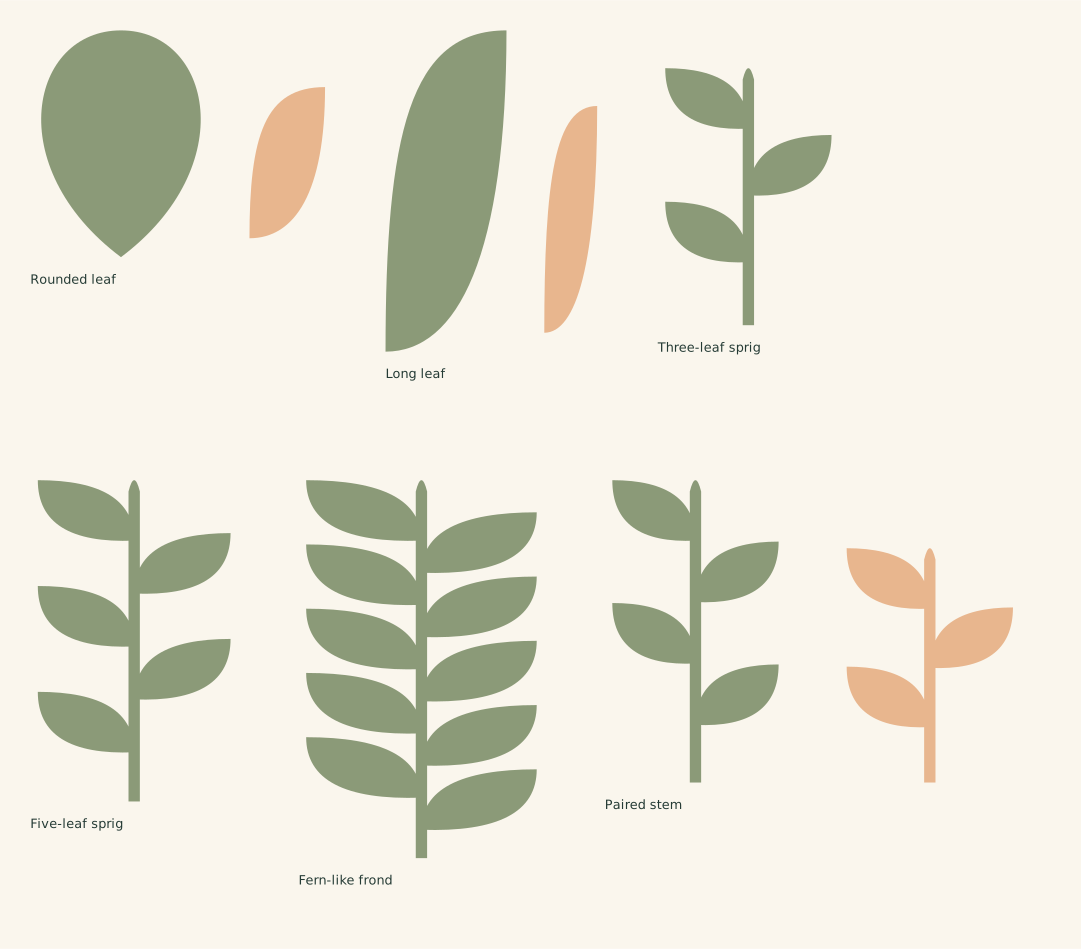
The full file has the designs arranged on one sheet. Choose an individual SVG below to work with just one design.
Find and open the downloaded SVG. Yes, you can sell what you make →
78 × 60 mm (3⅛ × 2⅜ in)
Broad rounded solid leaf. Separate 20 × 40 mm optional inset; align at the base center.
56 × 85 mm (2¼ × 3⅜ in)
Long tapered solid leaf. Separate 14 × 60 mm optional inset; align inside the leaf.

48 × 78 mm (1⅞ × 3⅛ in)
A sprig in one connected piece. Weld the overlapping parts into one shape before cutting.

55 × 95 mm (2⅛ × 3¾ in)
Made the same way as the three-leaf sprig.

65 × 110 mm (2½ × 4⅜ in)
Made the same way as the three-leaf sprig.
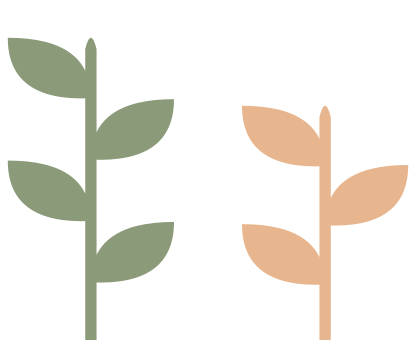
110 × 90 mm (4⅜ × 3½ in)
Two separate connected sprigs, 48 × 90 mm and 48 × 72 mm, for a paired composition.
The full SVG holds every design on one sheet. A single file lets you work on one design without the rest. Select every piece of a layered design before you resize it, so borders, holes and insets stay in proportion.
See how the pieces fold, stack and line up, which lines to set to Score, and how to resize them together.
If an SVG opens at the wrong size, here is why, and the fix. Will my software open it? →