 EveryCutFile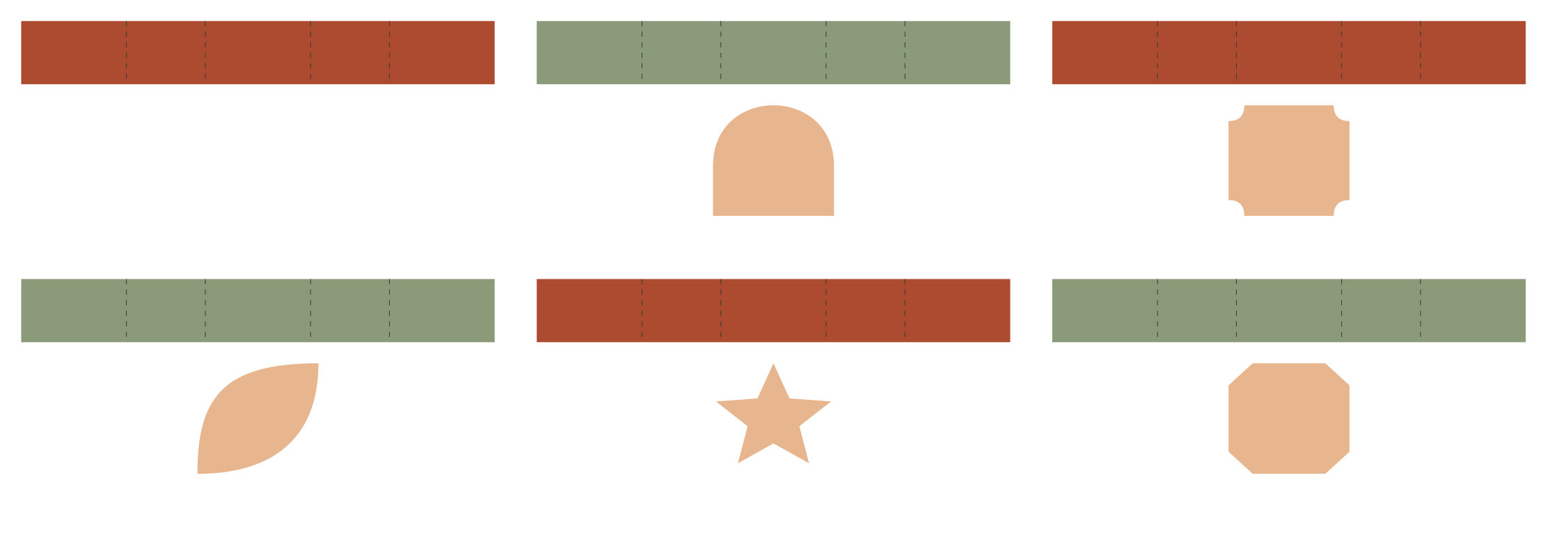

Plain band
180 × 24 mm file canvas
180 × 24 mm straight band example, with fold guides at x=40, 70, 110 and 140 mm.
Original decorative band fronts and adjustable straight extensions for reader-measured rectangular boxes.
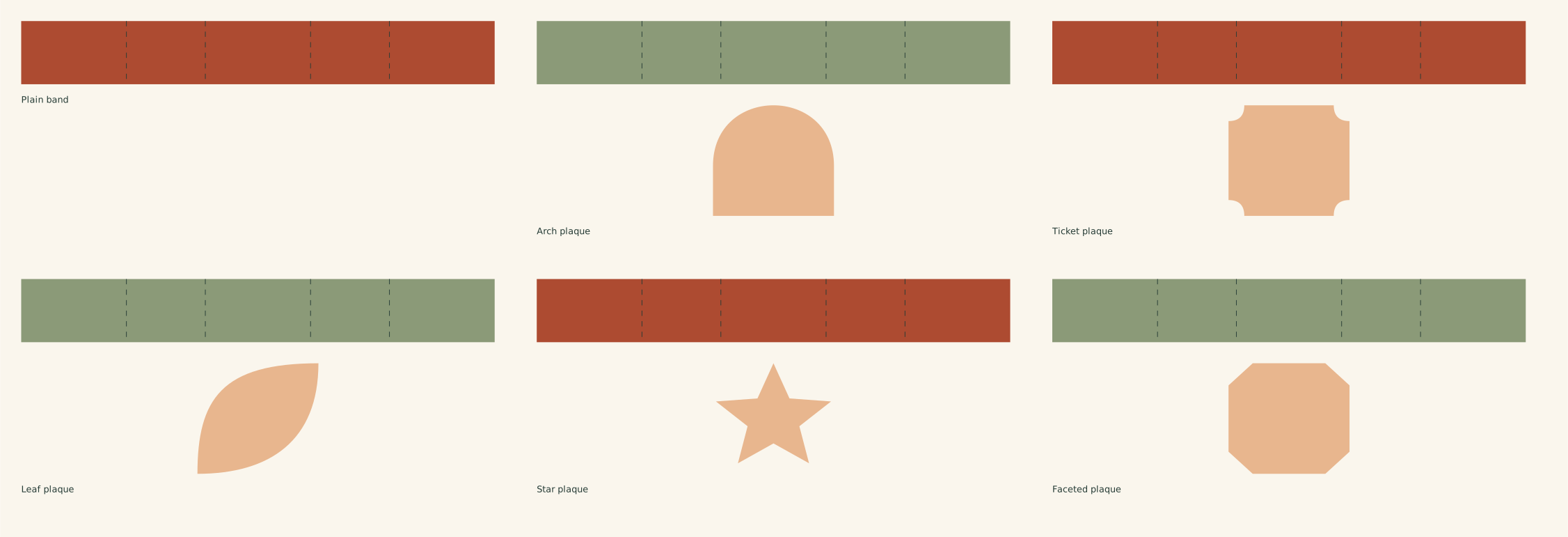
The full file has the designs arranged on one sheet. Choose an individual SVG below to work with just one design.
Find and open the downloaded SVG. Personal use and finished items for sale are included.
180 × 24 mm file canvas
180 × 24 mm straight band example, with fold guides at x=40, 70, 110 and 140 mm.
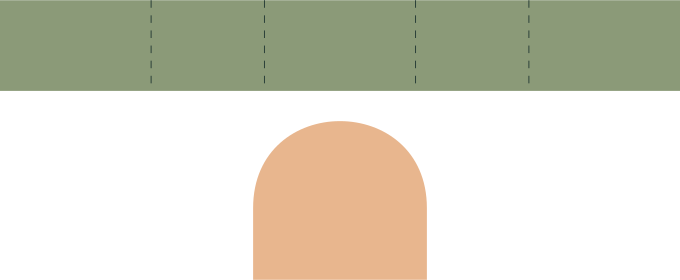
180 × 74 mm file canvas
180 × 24 mm straight band example, with fold guides at x=40, 70, 110 and 140 mm; separate 46 × 42 mm front plaque.
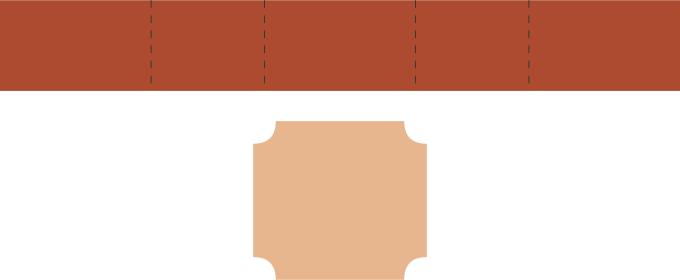
180 × 74 mm file canvas
180 × 24 mm straight band example, with fold guides at x=40, 70, 110 and 140 mm; separate 46 × 42 mm front plaque.
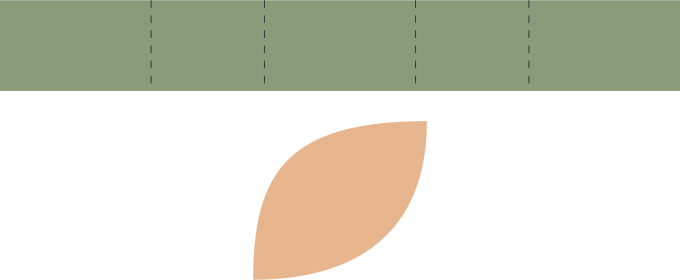
180 × 74 mm file canvas
180 × 24 mm straight band example, with fold guides at x=40, 70, 110 and 140 mm; separate 46 × 42 mm front plaque.
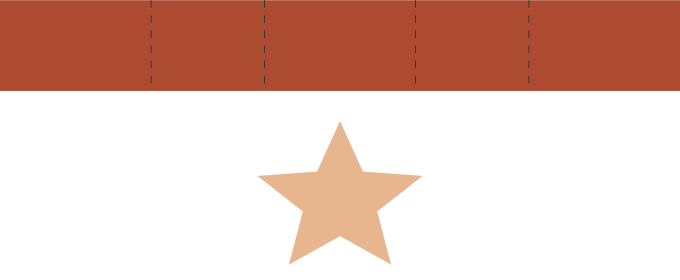
180 × 74 mm file canvas
180 × 24 mm straight band example, with fold guides at x=40, 70, 110 and 140 mm; separate 46 × 42 mm front plaque.
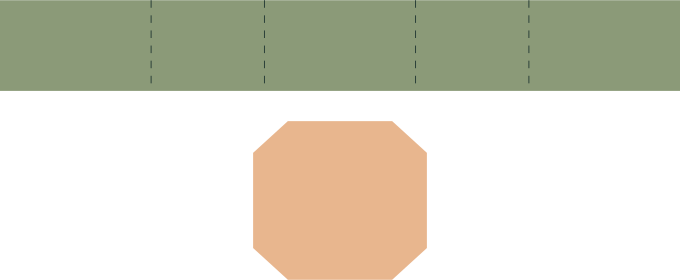
180 × 74 mm file canvas
180 × 24 mm straight band example, with fold guides at x=40, 70, 110 and 140 mm; separate 46 × 42 mm front plaque.
Wrap the example belly band. 180 × 74 mm file canvas. Strip: 180 × 24 mm. Example box cross-section: 40 × 30 mm; perimeter 140 mm plus 40 mm overlap. Modeled decorative front: 46 × 42 mm. These are an example, not a promised fit.
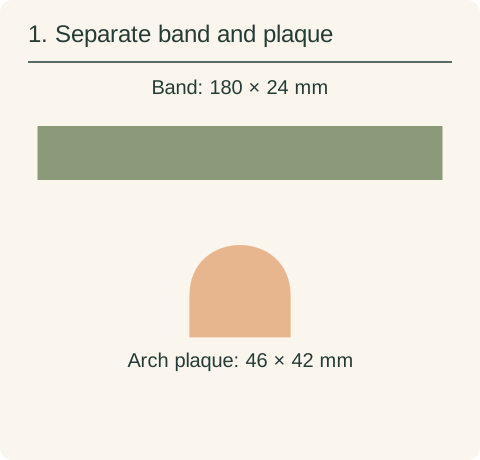
Keep the strip and optional arch plaque separate. Measure your own box perimeter, intended overlap and clearance before resizing. Changing the strip length alone does not resize the plaque.
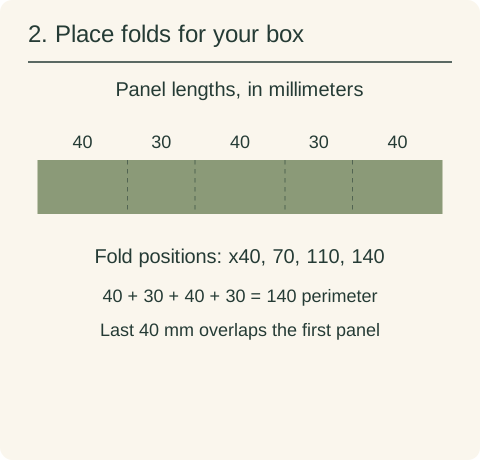
This example uses 40, 30, 40 and 30 mm panels, then 40 mm of overlap. Assign the original guides at x=40,70,110,140 mm to score/fold. Reposition them to match your actual box; length-only scaling does not preserve these measurements.
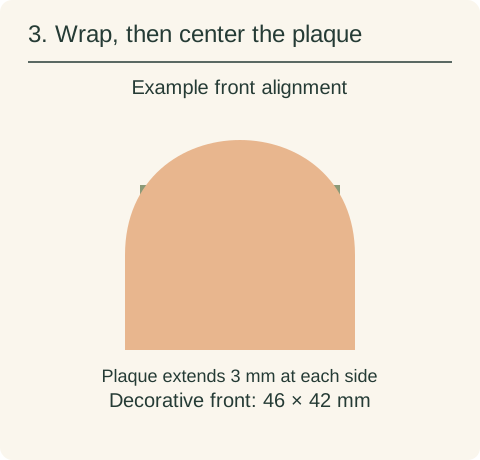
Fold around the measured box and secure the 40 mm overlap to the starting panel with your chosen joining method. Center the arch plaque on a 40 × 24 mm face: it extends 3 mm beyond each side and 9 mm above and below. Test the overlap and clearance before permanent attachment.
See how the pieces fold, stack and align →
The full SVG is an arranged sheet. Individual files let you work on one design without importing the rest. Keep every piece of a layered design selected while changing its size, so borders, holes and inset details keep their proportions.
Use the belly-band length calculation for your box perimeter, overlap and extra clearance. Resize only the straight extension to this length; keep the decorative front at its chosen size.
See how pieces fold, stack and align, including cut versus score assignment and preserving their relative scale.
If an SVG opens at an unexpected size, compare its declared size with your canvas units before scaling. For named software, check the edition and platform’s SVG input path.