 EveryCutFile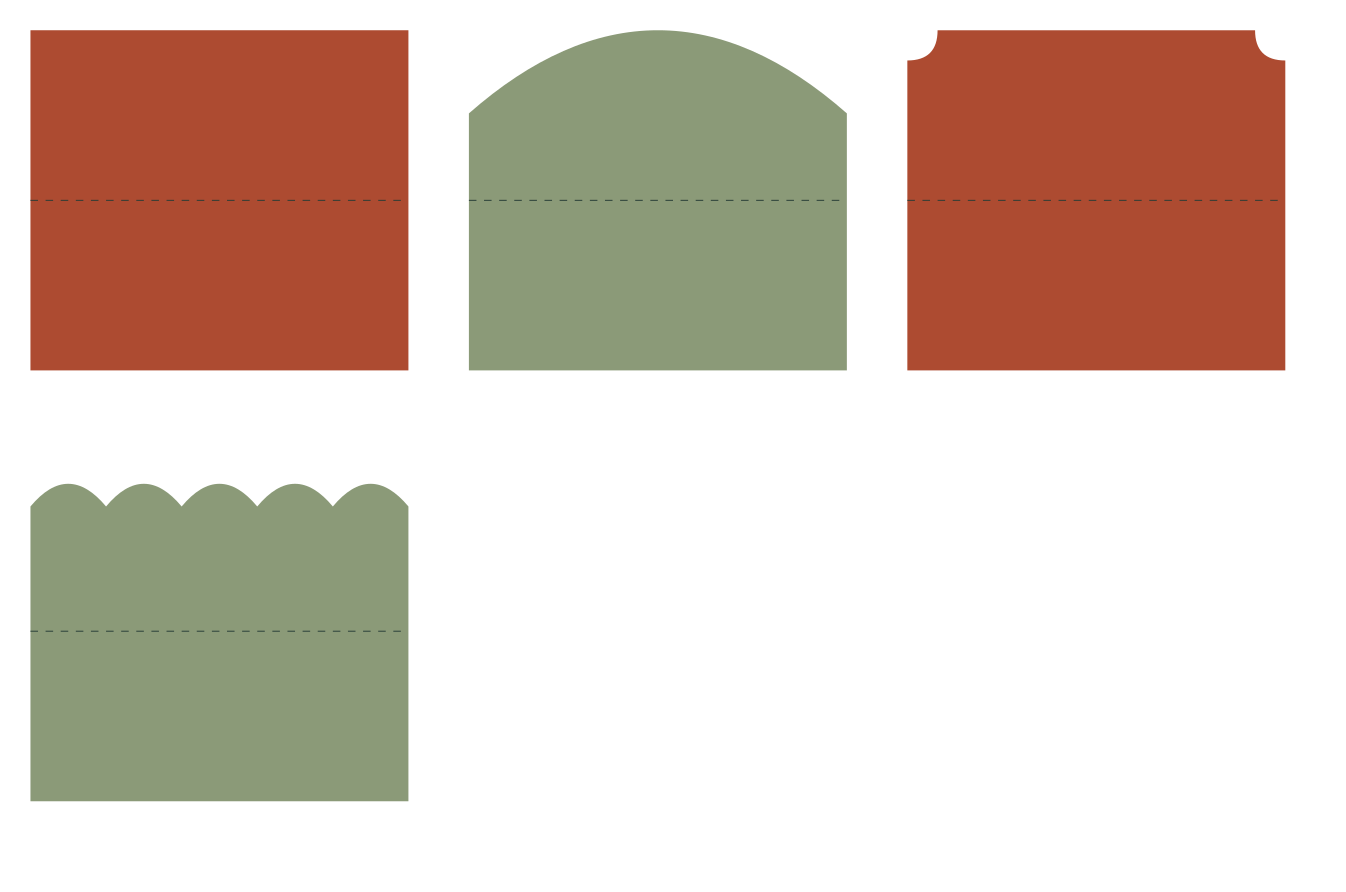
Straight
100 × 90 mm file canvas
Maximum folded face: 100 × 45 mm
100 × 90 mm flat bounding box; fold at y=45 mm for a 100 × 45 mm maximum folded face.
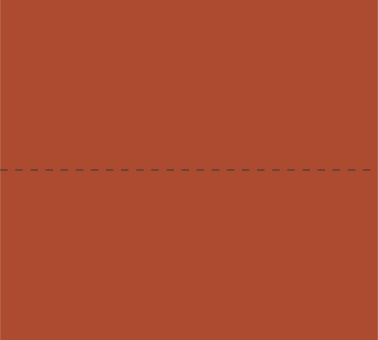
A set of blank folded place cards with four original top-edge profiles and clearly separated cut and fold guides.
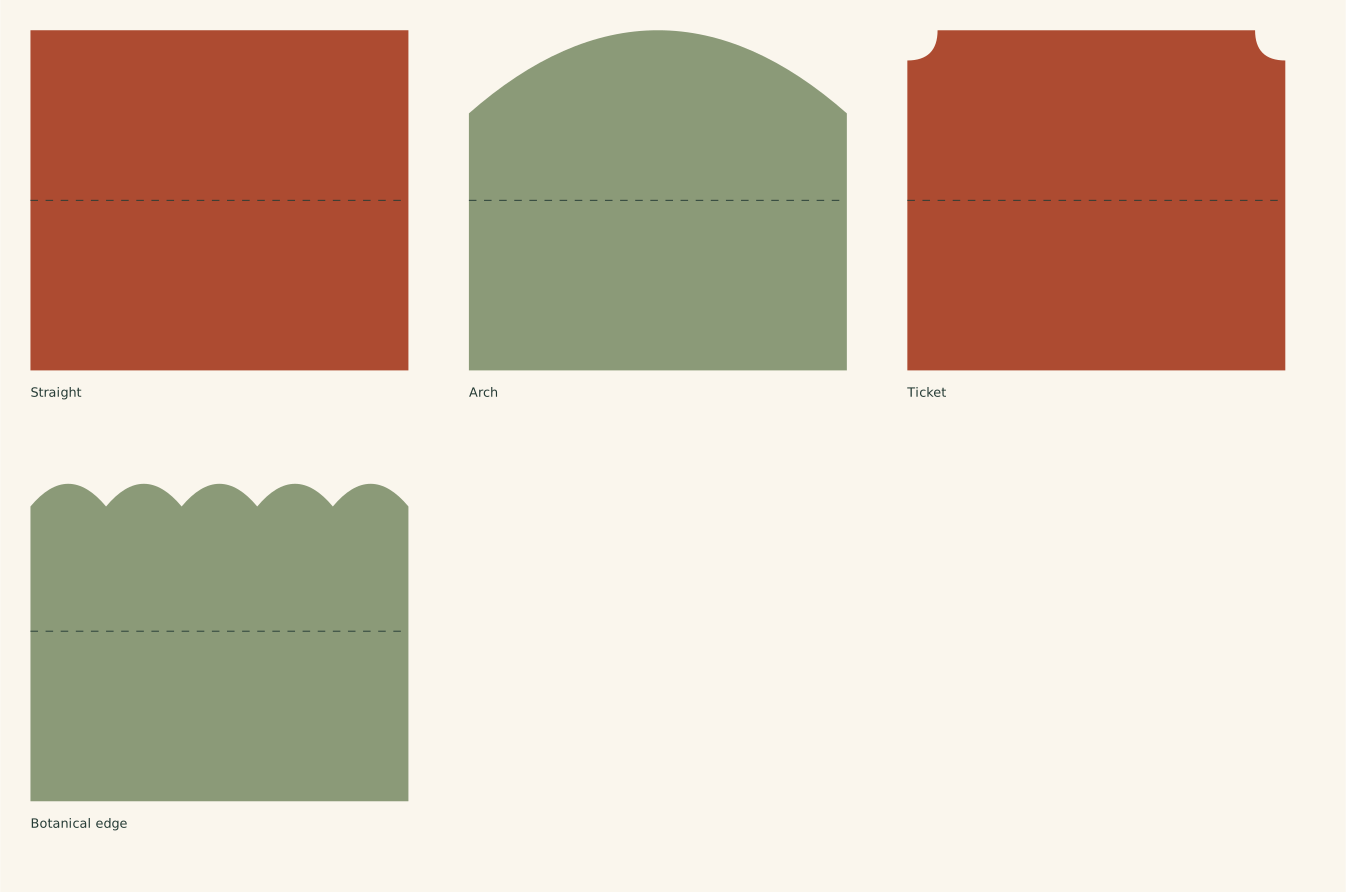
The full file has the designs arranged on one sheet. Choose an individual SVG below to work with just one design.
Find and open the downloaded SVG. Personal use and finished items for sale are included.
100 × 90 mm file canvas
Maximum folded face: 100 × 45 mm
100 × 90 mm flat bounding box; fold at y=45 mm for a 100 × 45 mm maximum folded face.
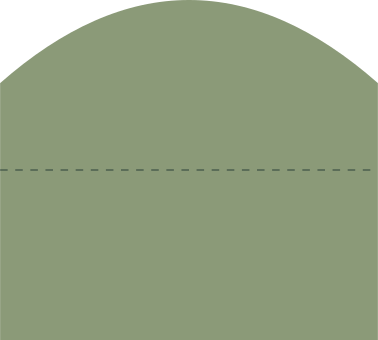
100 × 90 mm file canvas
Maximum folded face: 100 × 45 mm
100 × 90 mm flat bounding box; fold at y=45 mm for a 100 × 45 mm maximum folded face.

100 × 90 mm file canvas
Maximum folded face: 100 × 45 mm
100 × 90 mm flat bounding box; fold at y=45 mm for a 100 × 45 mm maximum folded face.
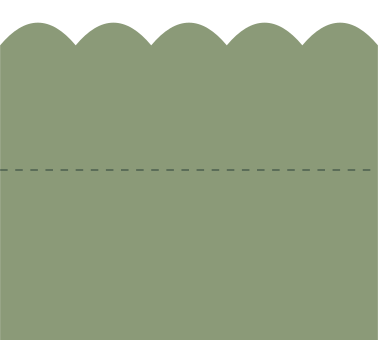
100 × 90 mm file canvas
Maximum folded face: 100 × 45 mm
100 × 90 mm flat bounding box; fold at y=45 mm for a 100 × 45 mm maximum folded face.
Fold the straight place card. 100 × 90 mm file canvas; 100 × 45 mm modeled folded face. Standing depth depends on the opening angle and is not specified.
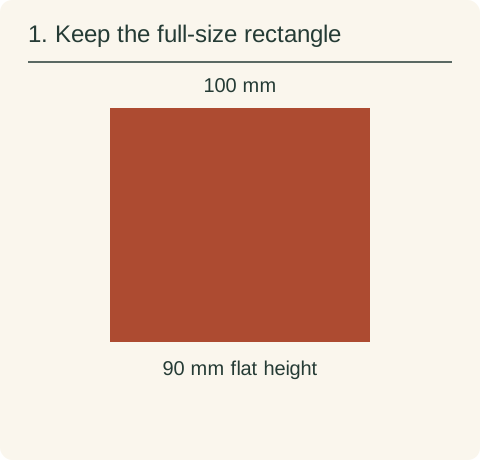
Open the straight design at 100 × 90 mm. Keep the cut outline and fold guide at the same scale and in their original positions.
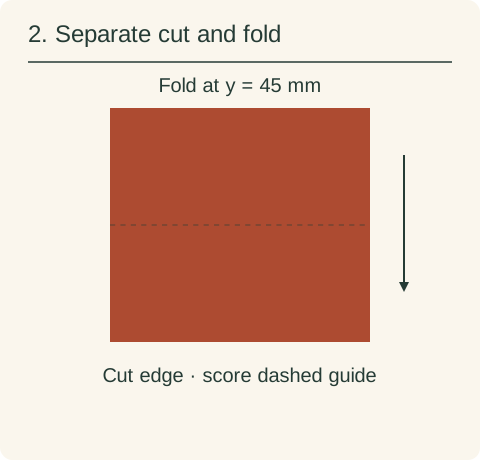
Assign the perimeter to cut. Assign the open guide at y=45 mm to your supported score/fold operation, or omit it from cutting and mark that position manually. Fold the two 45 mm halves together.
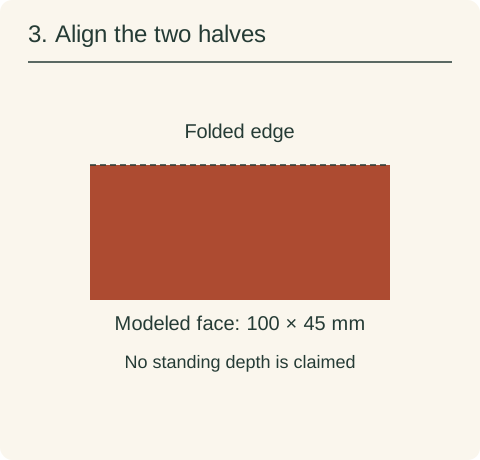
Bring the outside edges together and crease the fold. The visible face is 100 × 45 mm. Opening the card to stand changes its depth and viewing angle; this diagram only shows the flat face.
See how the pieces fold, stack and align →
The full SVG is an arranged sheet. Individual files let you work on one design without importing the rest. Keep every piece of a layered design selected while changing its size, so borders, holes and inset details keep their proportions.
See how pieces fold, stack and align, including cut versus score assignment and preserving their relative scale.
If an SVG opens at an unexpected size, compare its declared size with your canvas units before scaling. For named software, check the edition and platform’s SVG input path.