Home/SVG files/Greeting card window set

Greeting card window set

Original card-front window shapes and matching inset panels for simple layered paper projects.
All designs in the Greeting card window set
Original SVG · Free download

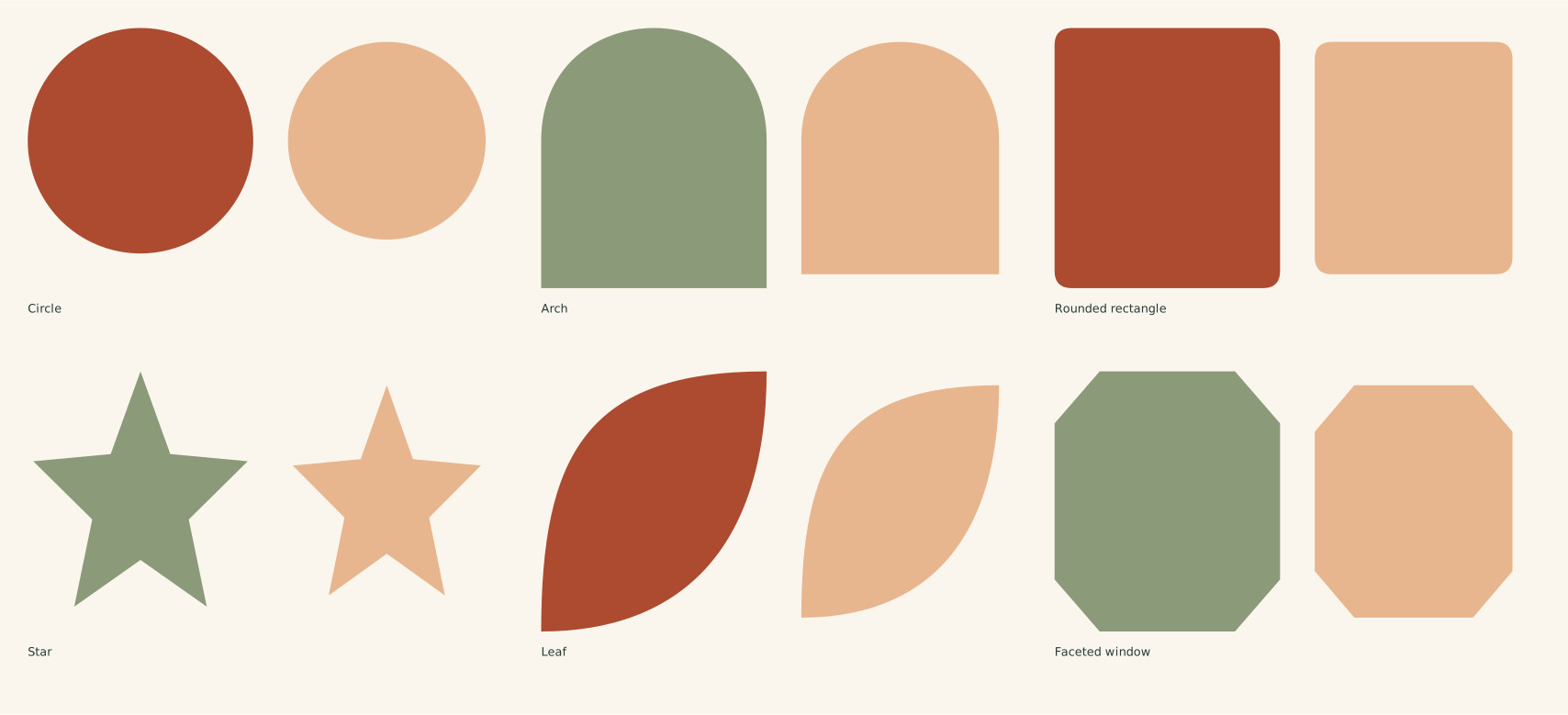
All 6 designs in one SVG

The full file has the designs arranged on one sheet. Choose an individual SVG below to work with just one design.

Designs
6 distinct designs
Full-pack file canvas
452 × 206 mm
Vector pieces
12 parts
File format
SVG
Download all 6 designs (SVG) ↓Choose one design instead →

Find and open the downloaded SVG. Personal use and finished items for sale are included.

Choose your design

Individual SVGs · Dimensions in mm
Circle vector pieces

Circle

132 × 75 mm file canvas

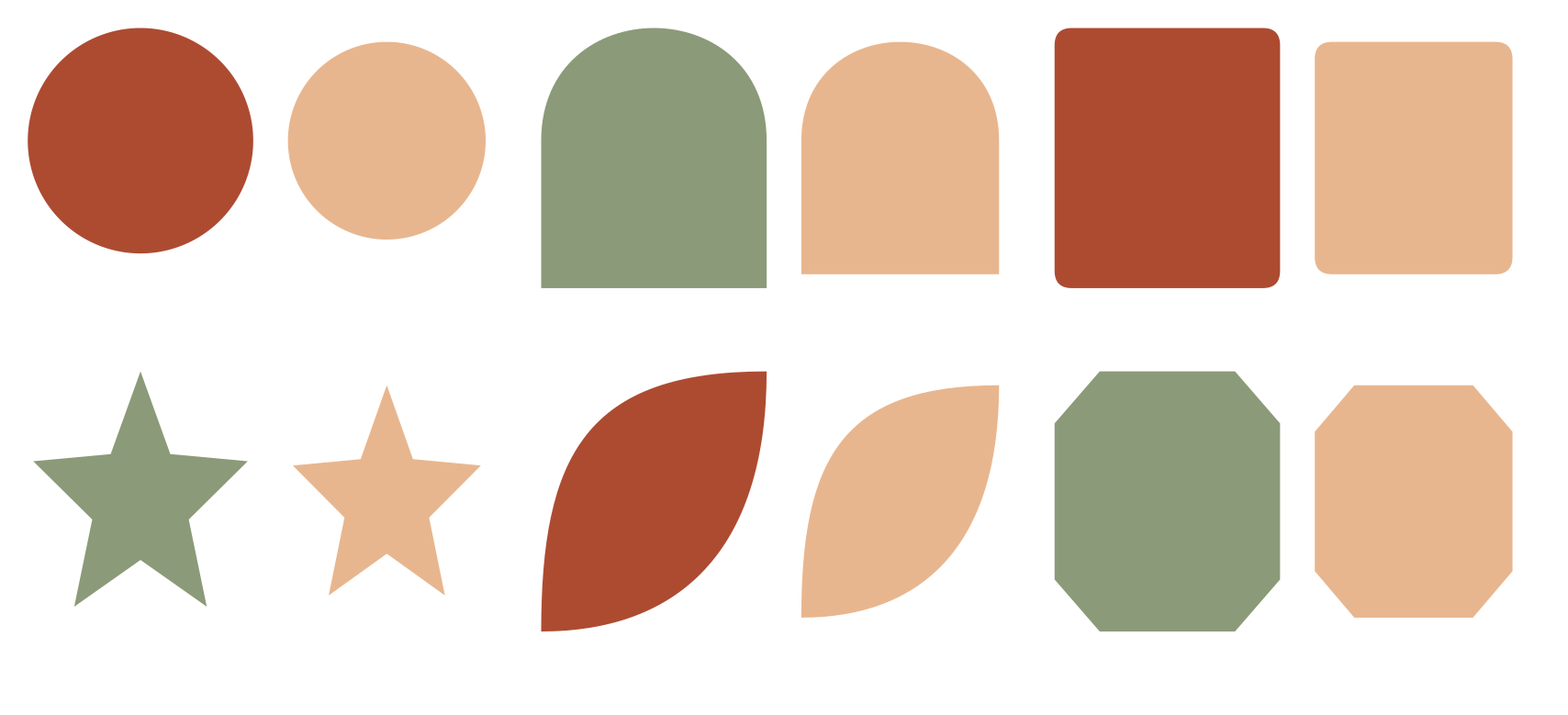
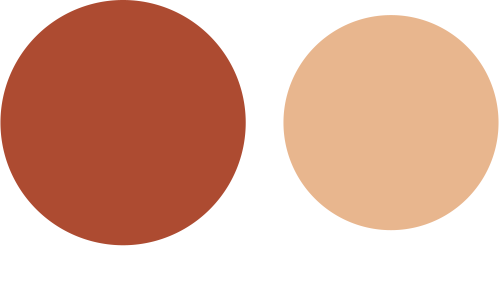
65 × 65 mm window cutting contour plus a separate 57 × 57 mm decorative inset. The smaller panel fits inside the opening; it is not a backing panel.

Arch vector pieces

Arch

132 × 75 mm file canvas

65 × 75 mm window cutting contour plus a separate 57 × 67 mm decorative inset. The smaller panel fits inside the opening; it is not a backing panel.

Rounded rectangle vector pieces

Rounded rectangle

132 × 75 mm file canvas

65 × 75 mm window cutting contour plus a separate 57 × 67 mm decorative inset. The smaller panel fits inside the opening; it is not a backing panel.

Star vector pieces

Star

132 × 75 mm file canvas

65 × 75 mm window cutting contour plus a separate 57 × 67 mm decorative inset. The smaller panel fits inside the opening; it is not a backing panel.

Leaf vector pieces

Leaf

132 × 75 mm file canvas

65 × 75 mm window cutting contour plus a separate 57 × 67 mm decorative inset. The smaller panel fits inside the opening; it is not a backing panel.

Faceted window vector pieces

Faceted window

132 × 75 mm file canvas

65 × 75 mm window cutting contour plus a separate 57 × 67 mm decorative inset. The smaller panel fits inside the opening; it is not a backing panel.

From pieces to finished shape

Center the circular inset. 132 × 75 mm file canvas; 65 mm window diameter and 57 mm inset diameter. Centering leaves a 4 mm radial gap. Card base and support are reader-supplied.
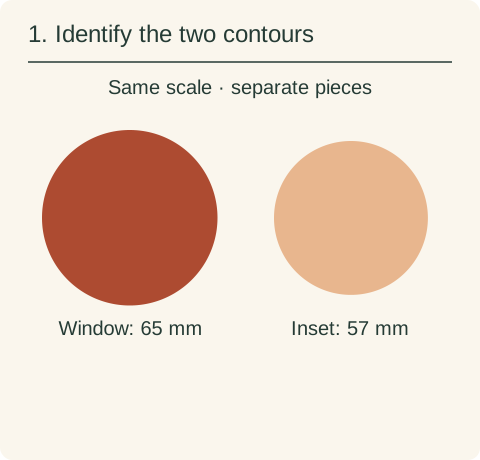
  1. Actual 65 millimeter and 57 millimeter source circle paths laid out separately.

    Identify the two contours

    The larger circle is a window-cutting contour, not a supplied card front. The smaller circle is an optional decorative inset, not a backing panel. Preserve their relative scale.
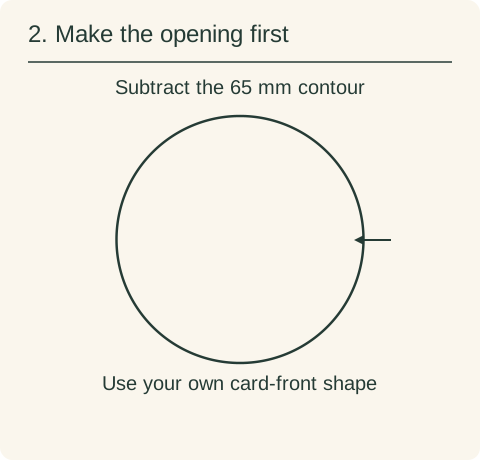
  2. Actual larger circle shown as the window cutting line. The reader must provide the surrounding card-front geometry.

    Make the opening first

    Position the 65 mm contour inside your own card front with the margins your material requires. Use it as an opening/subtraction or inner cut contour. Cut the 57 mm inset separately.
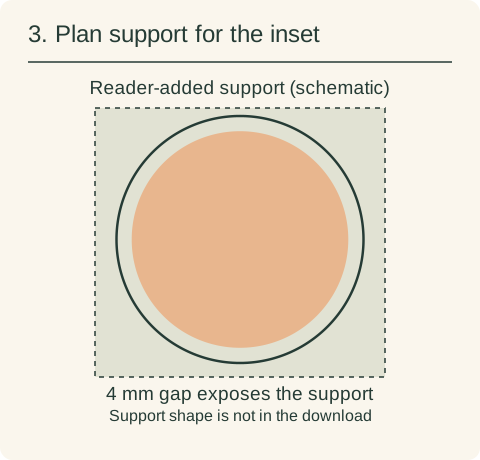
  3. Actual 57 millimeter inset centered inside the original 65 millimeter opening, with the remaining gap exposing a sage-colored reader-added support. The dashed support rectangle is only a labeled schematic, not a downloadable part.

    Plan support for the inset

    Align the circle centers: move the inset 4 mm right and 4 mm down relative to the opening’s top-left corner. A 4 mm gap remains around it. Attach it to your own underlying panel or another chosen support; it cannot cover or attach across the opening by itself. The dashed support rectangle is an unmeasured schematic, not another supplied design.

See how the pieces fold, stack and align →

What to have ready for this project
Material or blank
Provide your own card-front shape and, if using the inset, an underlying support. The download does not contain a card base.
File-import application
Use a vector-capable application that supports your chosen SVG import workflow. Confirm millimeter size and separate operations before output; a preview does not assign device operations.
Operations to prepare
Use the large contour as the opening in your card front. Cut the smaller inset separately, preserving scale.
Assembly supplies
Provide a support and attachment method for the inset. It is 8 mm smaller in diameter, so it cannot bridge or cover the opening by itself.

Use the pieces together

The full SVG is an arranged sheet. Individual files let you work on one design without importing the rest. Keep every piece of a layered design selected while changing its size, so borders, holes and inset details keep their proportions.

Groups and layers

  • card front cutouts
  • matching inset panels
  1. SVG dimensions are in millimeters. The full-pack dimensions describe the arranged sheet; each individual file has its own dimensions.
  2. Import one individual SVG or ungroup the full sheet. Preserve the aspect ratio and check a known dimension before cutting.
  3. Filled closed paths represent cut contours. Negative spaces use the even-odd fill rule. Fold guides are open dashed paths: assign score or remove them before cutting.
  4. Circle: Use the larger closed contour as a subtraction from your own card front. Keep at least the margin required by your chosen material.
  5. Arch: Use the larger closed contour as a subtraction from your own card front. Keep at least the margin required by your chosen material.
  6. Rounded rectangle: Use the larger closed contour as a subtraction from your own card front. Keep at least the margin required by your chosen material.
  7. Star: Use the larger closed contour as a subtraction from your own card front. Keep at least the margin required by your chosen material.
  8. Leaf: Use the larger closed contour as a subtraction from your own card front. Keep at least the margin required by your chosen material.
  9. Faceted window: Use the larger closed contour as a subtraction from your own card front. Keep at least the margin required by your chosen material.

See how pieces fold, stack and align, including cut versus score assignment and preserving their relative scale.

Before you start

  • Card bases and envelopes are not included.
  • The smaller inset fits inside the opening. Use your own larger backing panel if you want to cover the window from behind.

If an SVG opens at an unexpected size, compare its declared size with your canvas units before scaling. For named software, check the edition and platform’s SVG input path.