 EveryCutFile
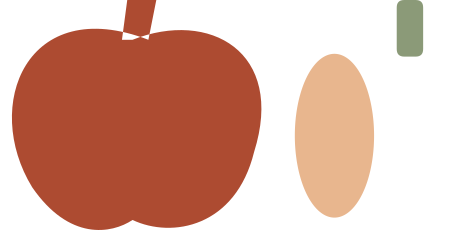
Round pumpkin
119 × 62 mm file canvas
Modeled assembled envelope: 70 × 62 mm
Original pumpkin silhouette plus separate oval center panel and stem. Center the panel on the silhouette after cutting.
Three original generic pumpkin compositions supplied as simple silhouette and layered versions.
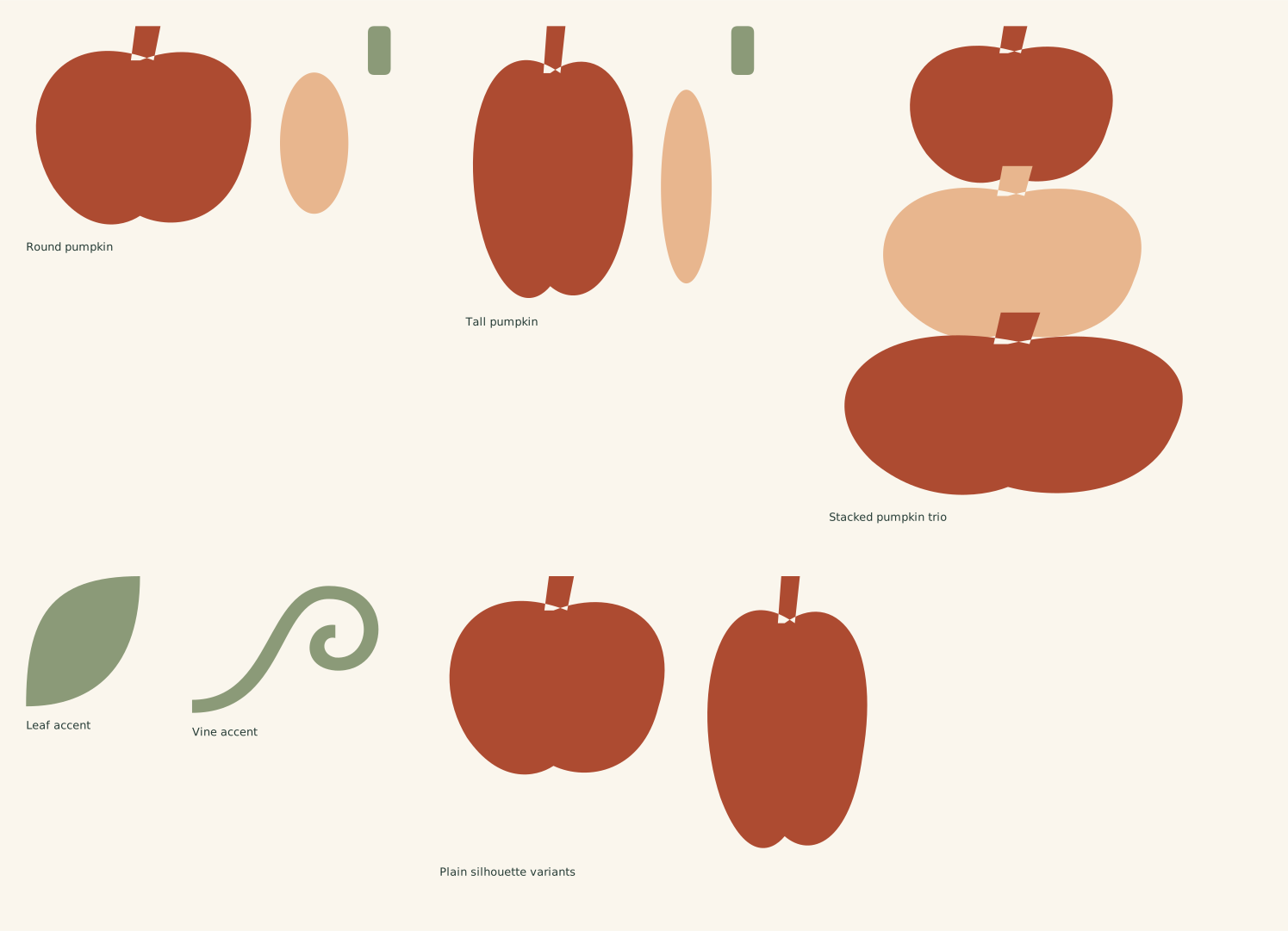
The full file has the designs arranged on one sheet. Choose an individual SVG below to work with just one design.
Find and open the downloaded SVG. Personal use and finished items for sale are included.
119 × 62 mm file canvas
Modeled assembled envelope: 70 × 62 mm
Original pumpkin silhouette plus separate oval center panel and stem. Center the panel on the silhouette after cutting.
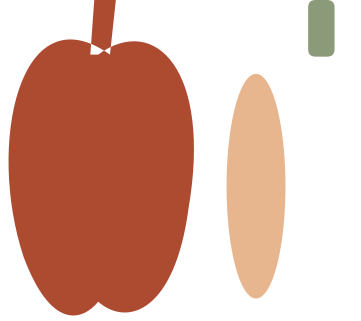
95.60000000000001 × 85 mm file canvas
Modeled assembled envelope: 52 × 85 mm
Original pumpkin silhouette plus separate oval center panel and stem. Center the panel on the silhouette after cutting.
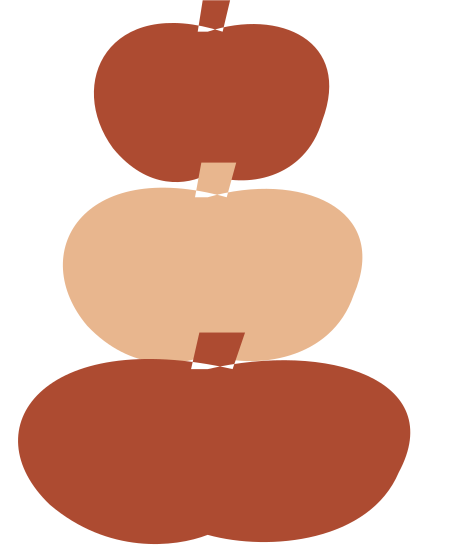
125 × 145 mm file canvas
Three overlapping pumpkin silhouettes arranged as a stack. Weld for one silhouette, or keep separate for three layers.

35 × 40 mm file canvas
Solid tapered pumpkin leaf.

60 × 42 mm file canvas
Closed 4 mm nominal-width curling vine silhouette.
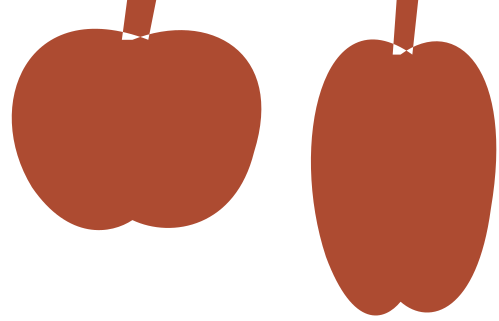
132 × 85 mm file canvas
Separate round 70 × 62 mm and tall 52 × 85 mm one-layer silhouettes.
Layer the round pumpkin. 119 × 62 mm file canvas; modeled assembled envelope 70 × 62 mm. Optional oval: 21 × 43.4 mm; separate stem: 7 × 15 mm.
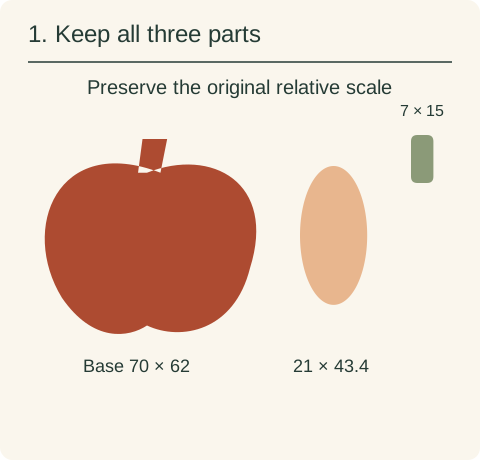
The individual SVG canvas is 119 × 62 mm because the pieces are laid out separately. Keep the 70 × 62 mm base, 21 × 43.4 mm oval and 7 × 15 mm stem at the same scale. Cut them as separate closed shapes.
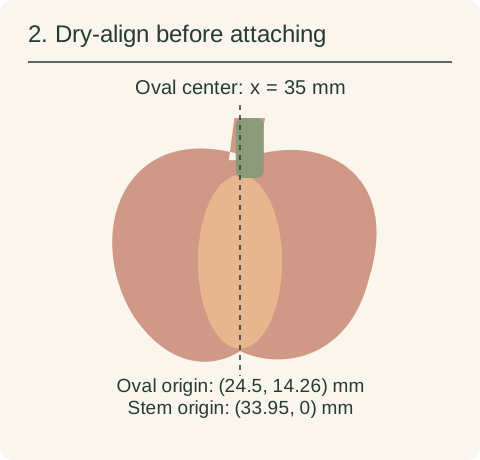
Lay the silhouette down first. Place the oval at (24.5,14.26) mm relative to the silhouette’s file origin so it is centered on x=35 mm. Place the separate stem at (33.95,0) mm. These are suggested digital alignment coordinates, not registration marks included in the cut file.
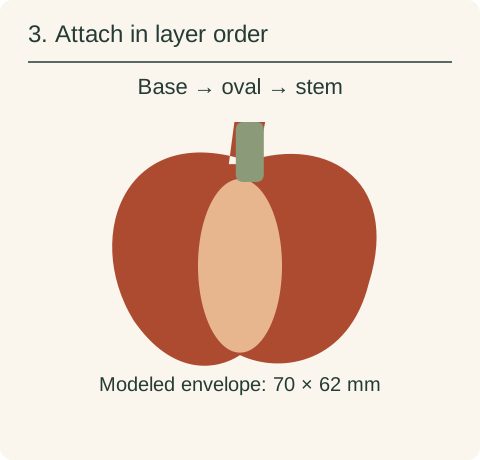
After checking alignment, attach the oval to the base and then the separate stem on top. The silhouette already contains its own angled stem; the separate straight stem is an optional overlay and leaves a little of the base stem visible. The displayed model stays inside the 70 × 62 mm source envelope.
See how the pieces fold, stack and align →
The full SVG is an arranged sheet. Individual files let you work on one design without importing the rest. Keep every piece of a layered design selected while changing its size, so borders, holes and inset details keep their proportions.
See how pieces fold, stack and align, including cut versus score assignment and preserving their relative scale.
If an SVG opens at an unexpected size, compare its declared size with your canvas units before scaling. For named software, check the edition and platform’s SVG input path.