 EveryCutFile

Rounded rectangle
76 × 42 mm file canvas
Assembled finished size: 76 × 42 mm
One-piece blank label; add your own text.
A coordinated set of original blank label frames for jars, bins, and flat containers, with one-piece and layered options.
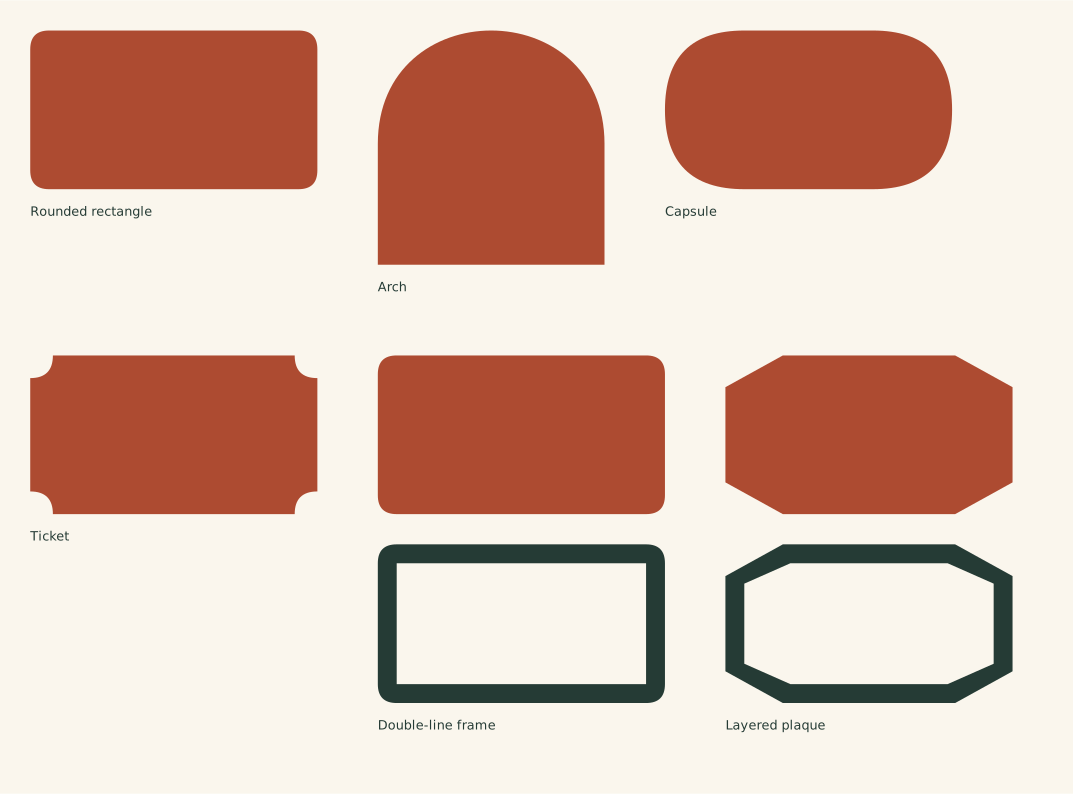
The full file has the designs arranged on one sheet. Choose an individual SVG below to work with just one design.
Find and open the downloaded SVG. Personal use and finished items for sale are included.
76 × 42 mm file canvas
Assembled finished size: 76 × 42 mm
One-piece blank label; add your own text.
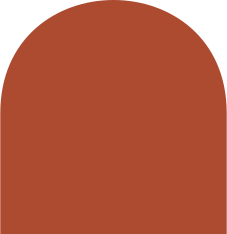
60 × 62 mm file canvas
Assembled finished size: 60 × 62 mm
One-piece blank label; add your own text.
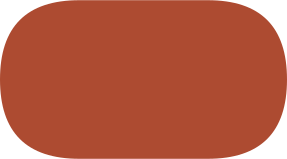
76 × 42 mm file canvas
Assembled finished size: 76 × 42 mm
One-piece blank label; add your own text.
76 × 42 mm file canvas
Assembled finished size: 76 × 42 mm
One-piece blank label; add your own text.
76 × 92 mm file canvas
Assembled finished size: 76 × 42 mm
Blank base and separate 5 mm border; align the two at their original size.
76 × 92 mm file canvas
Assembled finished size: 76 × 42 mm
Blank base and separate 5 mm border; align the two at their original size.
The full SVG is an arranged sheet. Individual files let you work on one design without importing the rest. Keep every piece of a layered design selected while changing its size, so borders, holes and inset details keep their proportions.
See how pieces fold, stack and align, including cut versus score assignment and preserving their relative scale.
If an SVG opens at an unexpected size, compare its declared size with your canvas units before scaling. For named software, check the edition and platform’s SVG input path.