EveryCutFile
Material and operations
Use stencil sheet material confirmed suitable by its supplier and your laser manufacturer. Check narrow bridges and account for your measured kerf; a connected SVG does not establish a workable bridge in every material.
Check the working area
LightBurn Working Size describes the maximum X and Y travel configured for your laser. Set it for the actual device, then compare the entire stencil sheet with that area. There is no single LightBurn bed size.
Printing before cutting
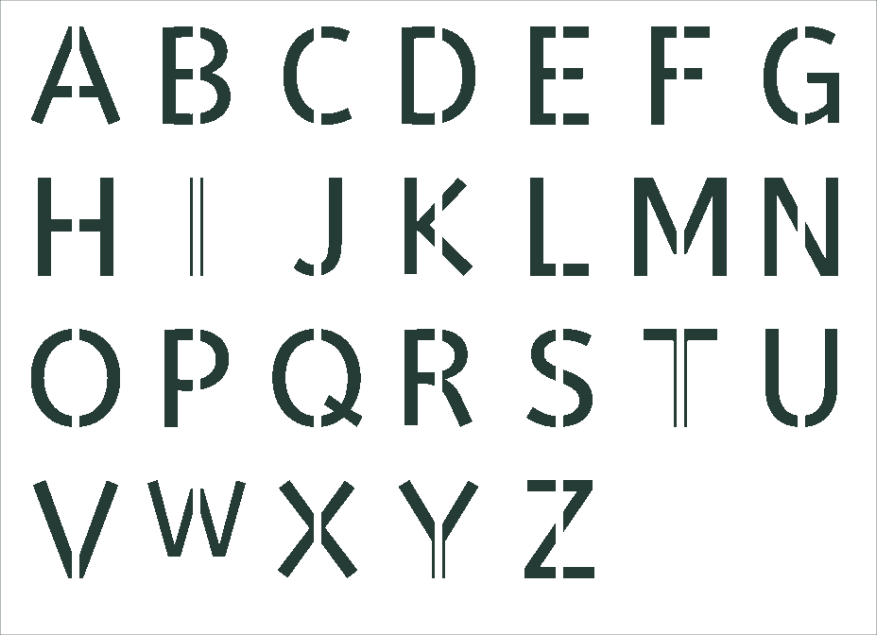
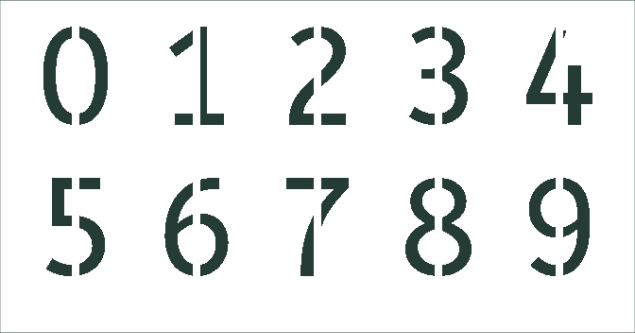
The downloads contain vector paths, not printed registration marks or a printer alignment setup. Cut and engraving operations are assigned after import; outlines already replace the lettering font.