Home/SVG tools and import help/JPG to SVG converter: trace a JPG into a cut file, free in your browser

JPG to SVG converter

Drop a JPG or JPEG and it is traced into an SVG in millimeters, as a one-color silhouette for cutting or as one layer per color. A plain background is left out, and nothing is uploaded.

Free · No sign-up · Your file is never uploaded

Example loaded: our owl on a branch drawing saved as a JPG. Drop your JPG to trace it instead.

Drop one image or several. Each traces as soon as it arrives, and the preview updates when you change a setting.

What to make

Corners stay sharp and curved edges become smooth curves. A silhouette is one cuttable shape with its holes. Color layers keep the picture’s main colors as separate shapes for layering; check and clean up each layer before you cut. A PDF’s first page is drawn as a picture and traced, so its lines come back as traced outlines rather than the PDF’s own curves. Nothing is uploaded.

Your traced files

Example: our owl on a branch drawing saved as a JPG, traced here. Drop your JPG to replace it.
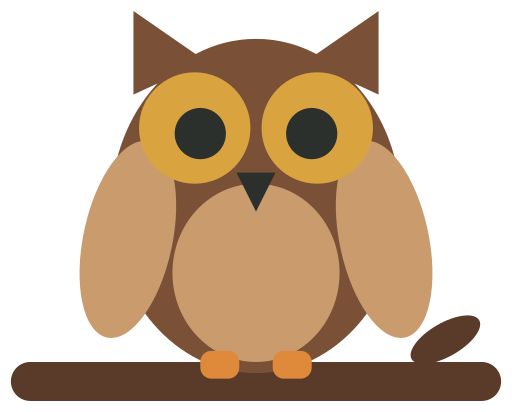
The JPG: owl on a branch
Original
Traced vector silhouette
Traced outline

Tap a picture to see that spot up close in both; tap again to zoom out.

Traced: 4 outlines, 100 × 80 mm. 1 speck smaller than half a millimeter was left out.

Download SVG

Your file stays on your device; nothing is uploaded.

What you get

A JPG has no transparent background, so the tracer works from light and dark: in a silhouette, everything darker than the threshold becomes the shape and a plain light background is left out. JPG compression leaves faint blotches along edges, so any piece or hole covering less than a square half a millimeter across is left out, and the result says how many; untick the box to keep them. A photo traces best when the subject is dark against a plain, light background. Tracing can’t add detail the JPG doesn’t have, so check the outline, or each color layer, before you cut.