Home/SVG tools and import help/PDF to SVG converter: trace a PDF page into a cut file, free in your browser

PDF to SVG converter for cut files

Drop a PDF and its first page is traced into an SVG at the page’s own size in millimeters, as a one-color silhouette for cutting or as color layers. Nothing is uploaded.

Free · No sign-up · Your file is never uploaded

Lire cette page en français

Example loaded: a PDF of our owl on a branch drawing. Drop your PDF to trace it instead.

Drop one PDF or several; the first page of each is traced. Each traces as soon as it arrives, and the preview updates when you change a setting.

What to make

Corners stay sharp and curved edges become smooth curves. A silhouette is one cuttable shape with its holes. Color layers keep the picture’s main colors as separate shapes for layering; check and clean up each layer before you cut. A PDF’s first page is drawn as a picture and traced, so its lines come back as traced outlines rather than the PDF’s own curves. Nothing is uploaded.

Your traced files

Example: a PDF of our owl on a branch drawing, its page traced here. Drop your PDF to replace it.
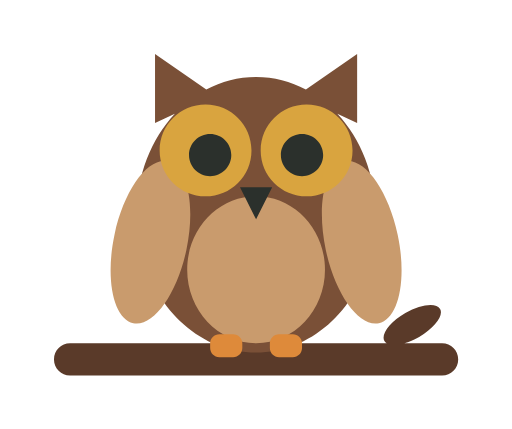

The PDF page: owl on a branch
PDF page
Traced vector silhouette
Traced outline

Tap a picture to see that spot up close in both; tap again to zoom out.

Traced: 5 outlines, 114 × 96 mm. Sized to the PDF page, 114 × 96 mm.

Download SVG

Your file stays on your device; nothing is uploaded.

What you get

The tracer draws the PDF’s first page as a picture and traces it, so it works on any PDF, scans and printables included, and the SVG keeps the page’s width unless you type another. The lines come back as traced outlines, not the PDF’s own curves: if the PDF was exported from design software, a vector editor that imports PDF, such as Affinity Designer, keeps its exact shapes when you save it as an SVG. Check each color layer before you cut.