 EveryCutFile
94 × 75.59 mm
Example: our owl on a branch drawing, converted here to a PDF. Drop your SVG to replace it.
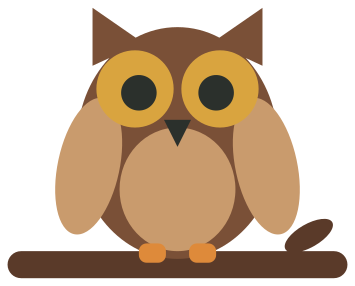
A vector PDF of the drawing in 6 colors, 94 × 75.59 mm, on a page of its own size.
Turn an SVG into a PDF at the size written in the file, on a page of its own or centered on Letter or A4 paper with a square to measure. Nothing is uploaded.
Free · No sign-up · Your file is never uploaded
Example: our owl on a branch drawing, converted here to a PDF. Drop your SVG to replace it.
A vector PDF of the drawing in 6 colors, 94 × 75.59 mm, on a page of its own size.
Your file stays on your device; nothing is uploaded.
The PDF keeps the drawing’s shapes and colors as vector paths at the size written in the SVG, so it prints sharp at that size. A file this converter can’t copy exactly, such as one with live text, gradients, see-through parts or colors set with styles, is drawn at 300 dpi and placed at the same size, and the result says why. Cut lines only gives the outlines, for a paper template or software that cuts from a PDF. Print at Actual size or 100%, not Fit to page; on Letter or A4, the square in the corner measures 1 inch (25.4 mm) when the print is right. A drawing nearly as large as the paper can lose its edges to the printer’s margin.