 EveryCutFile
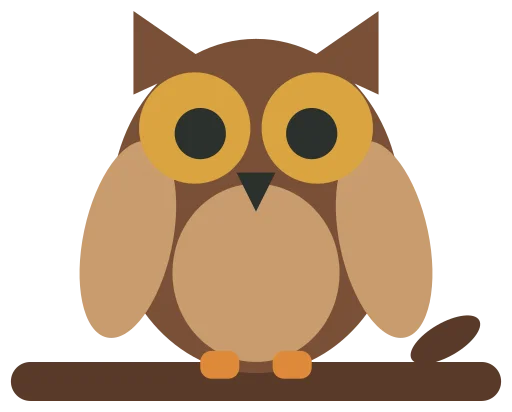
Example: our owl on a branch drawing saved as a WebP, traced here. Drop your WebP to replace it.

Tap a picture to see that spot up close in both; tap again to zoom out.
Traced: 4 outlines, 100 × 80 mm.
Download SVGDrop a WebP picture, the format many websites save images in, and it is traced into an SVG in millimeters, as a one-color silhouette for cutting or as one layer per color. Nothing is uploaded.
Free · No sign-up · Your file is never uploaded
Example: our owl on a branch drawing saved as a WebP, traced here. Drop your WebP to replace it.
Tap a picture to see that spot up close in both; tap again to zoom out.
Traced: 4 outlines, 100 × 80 mm.
Download SVGYour file stays on your device; nothing is uploaded.
Cricut’s upload instructions list JPG, PNG, GIF, BMP and HEIC pictures and SVG and DXF files for Design Space; WebP is not among them, so a picture saved from a website as .webp needs converting first. A transparent WebP keeps its background out of the trace, as a PNG does. A lossy WebP can leave specks along edges, so any piece or hole covering less than a square half a millimeter across is left out, and the result says how many. Tracing can’t add detail the picture doesn’t have, so check the outline, or each color layer, before you cut.