 EveryCutFile
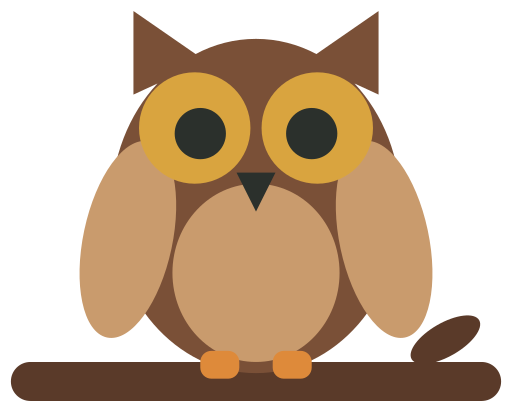
Example: Owl on a branch, one of our drawings, traced here. Drop your image to replace it.

Tap a picture to see that spot up close in both; tap again to zoom out.
Traced: 4 outlines, 100 × 80 mm.
Download SVGTrace a PNG, JPG, WebP, BMP, GIF or the first page of a PDF into a one-color silhouette for cutting, or into separate color layers, in millimeters. The result appears as soon as you drop the file, and nothing is uploaded.
Free · No sign-up · Your file is never uploaded
Example: Owl on a branch, one of our drawings, traced here. Drop your image to replace it.
Tap a picture to see that spot up close in both; tap again to zoom out.
Traced: 4 outlines, 100 × 80 mm.
Download SVGYour file stays on your device; nothing is uploaded.
The silhouette mode keeps corners sharp and fits smooth curves to the edges between them; threshold and detail change what is traced. Color mode groups the picture into the number of colors you choose and traces each as its own layer, leaving out the background unless you keep it. Check each color layer before you cut. Neither mode restores detail missing from the original picture.